
Features

The tax agent for all your books

Every obligation tracked, every return drafted with the workings shown, with you in control at all times

Tax agent — product view
Tax agent — detail view

Obligations

Every obligation, every deadline, one table

A complete cockpit: every filing — Φ2, E3, ΦΜΥ, ΑΠΔ, VIES, ENFIA — with deadline, status and amount due in one table. Four tiles tell you what needs you today: due this week, at risk, overdue, and proposals waiting.

Obligations visual
Ready to file

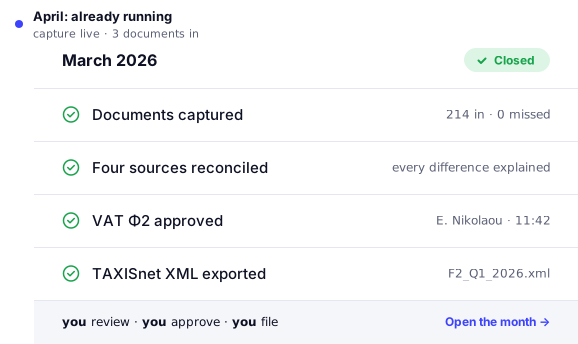
Make sure it matches myDATA

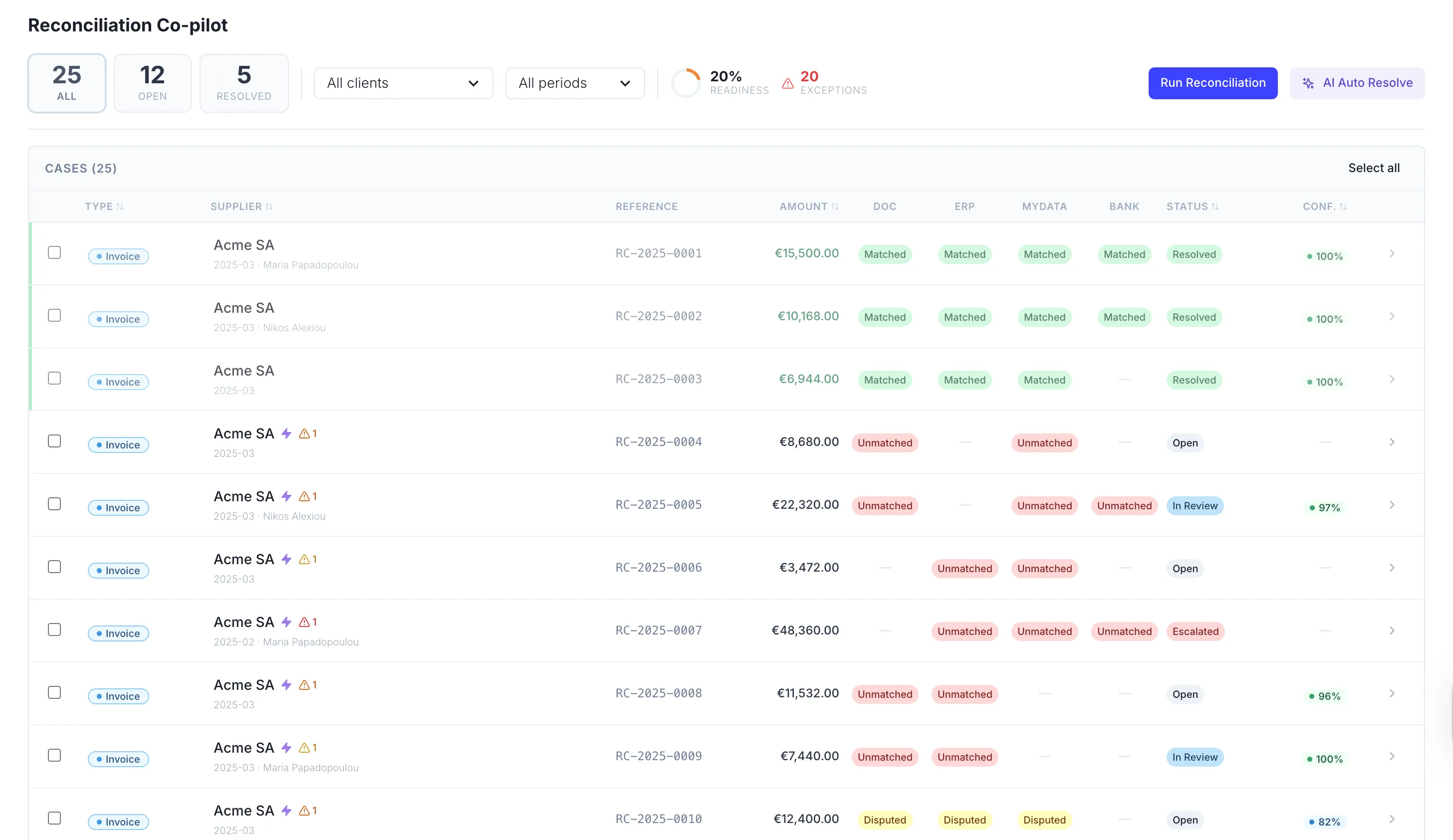
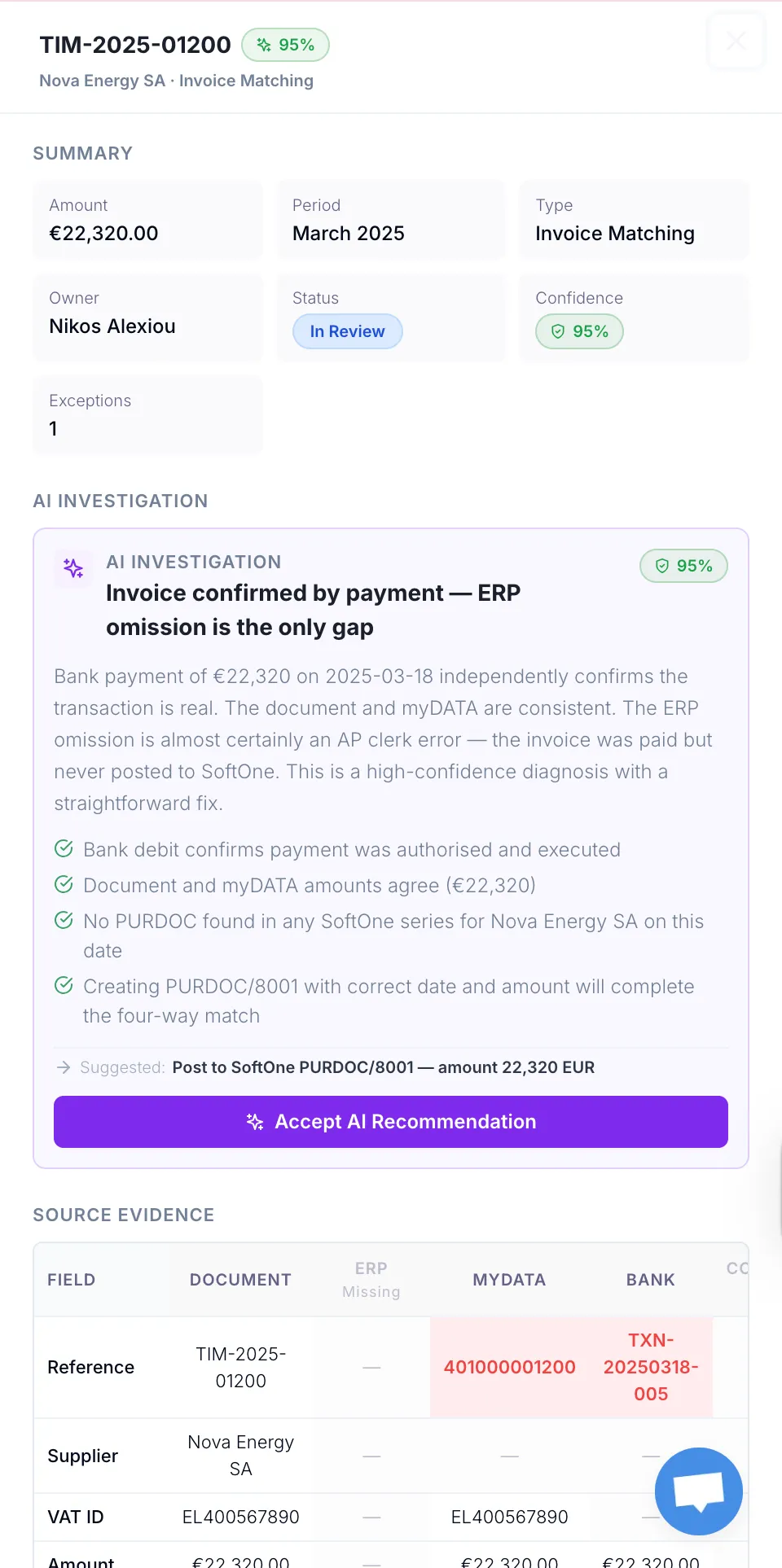
TaxLayer reconciles every draft against myDATA, the books and the bank, and flags any deviation with the exact line behind it, long before it can block a filing.

Ready to file visual

Drafting

Returns drafted with the workings shown

The agent assembles each return from reconciled data, keyed to real codes, with provenance on every figure — back to the myDATA record, ledger line or bank entry behind it.

Drafting visual

Aprroval

Nothing submitted without you

Every finding arrives as a proposal — evidence attached, confidence and data freshness shown. Accept, and the system applies the exact figure; reject, and it’s logged. When a return is ready, you file it.

Aprroval visual

Frequently asked questions

Does TaxLayer file tax returns automatically?

No — and it never will without you. The tax agent drafts returns and queues them as proposals. A person at your firm reviews the workings and approves before anything reaches AADE. Nothing files itself.

Which filings does the tax agent cover?

The obligations table tracks the Greek filing calendar across your client book — VAT (Φ2), E3, withholding and VIES — with drafting support rolling out by filing type. Coverage is expanding; ask us about the current state for the filings your firm handles.

Where do the numbers in a draft come from?

From your reconciled data — documents, ERP, myDATA and bank, already matched and checked. Every figure in a draft is traceable to its source, and the workings are shown line by line so you can verify before approving.

What happens if data is missing or inconsistent?

The draft says so. The agent is constrained to figures present in your data — if something is missing or sources disagree, it flags the gap rather than guessing. You resolve it in reconciliation, and the draft updates.

How does the approval step work?

Each draft sits in a review queue with its workings attached. You can adjust, send back, or approve. Approval is recorded — who, what, when — and only then does the filing proceed. The full trail is exportable for audit.

Whose AADE credentials does it use?

Each client’s own credentials, stored per client and used only for that client’s obligations. Credentials and data are isolated per client across the whole platform.

Can I change a draft before approving it?

Yes. Adjust figures with the workings in view, or send the draft back with a note. Nothing is locked until you approve, and every change is logged.

Month-end, without the grind.

Say goodbye to the tedious back office tasks of manual documents gathering.